Barz Register, Login and Verification Explained
Registering with Barz gives you access to a full casino and sportsbook built for players in the United Kingdom. Create your account in minutes, then log in anytime to reach slots, live dealer tables, and betting markets for the Premier League, Six Nations, and Royal Ascot. Account verification confirms your identity, protects your details, and guarantees withdrawals arrive without delay. The process works the same way on the website and the mobile app, and our support team answers questions around the clock. Complete sign up today and claim a 100% Match Bonus up to GBP 300 plus 50 Bonus Spins.
100% Match Bonus up to GBP 300 plus 50 Bonus Spins
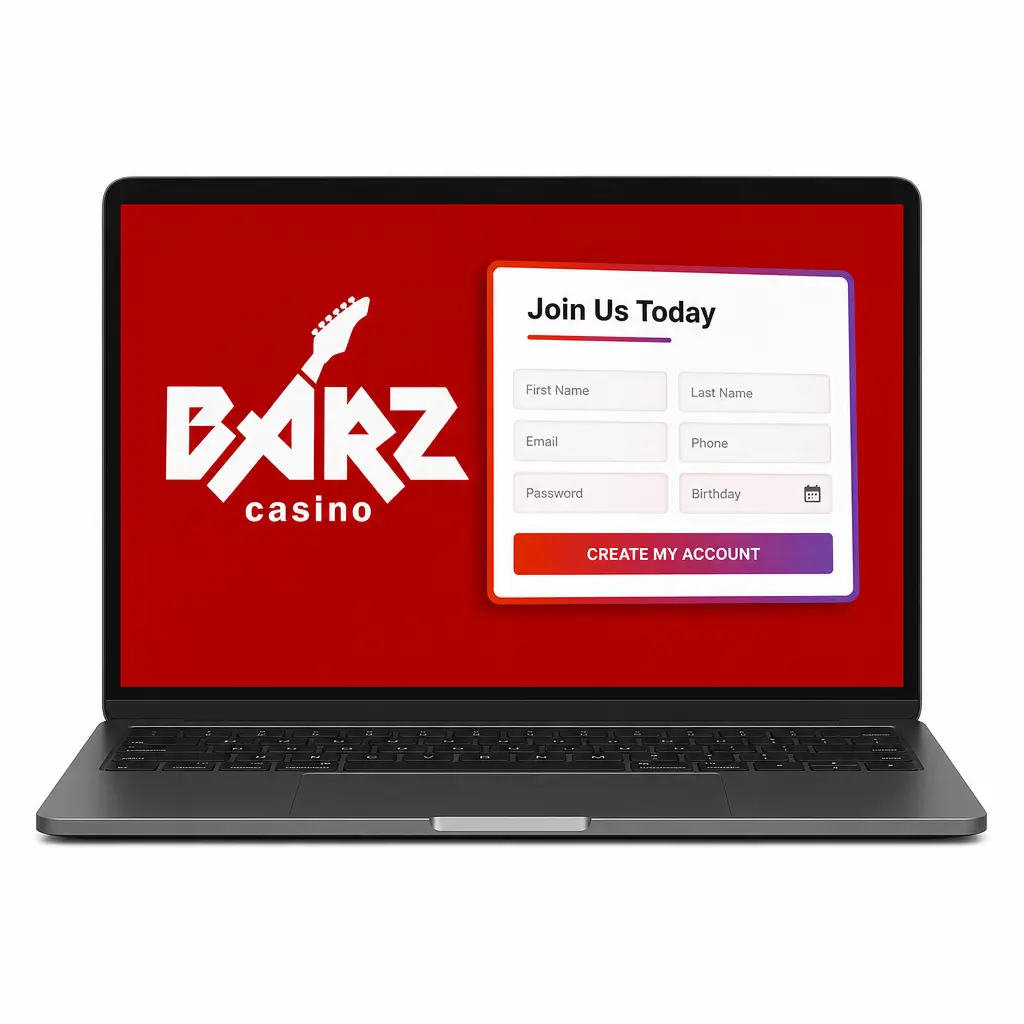
How to Complete Barz Sign Up
Signing up with Barz takes under 3 minutes online. Follow these steps to open your account and start playing today.
Enter your details
Add your full name, date of birth, email address, and UK mobile number.
Create your login
Set a password and choose GBP as your account currency.
Add your address
Enter your home address and postcode for identity checks.
Confirm and submit
Accept the terms and conditions, then submit your registration.
Mobile App Registration for Barz
App registration follows the same form as the website registration, with a faster sign in available once your account exists. Complete these steps after opening the Barz app.
- Open the app and select Sign Up. The same registration form used on the website appears on your screen.
- Enter your email, mobile number, and password, or register with one tap using your Google or Apple ID.
- Verify your mobile number by entering the code sent via SMS.
- Add your personal details, including your name, date of birth, and UK address.
- Enable Face ID or fingerprint login to speed up your next sign in.
Registration Requirements for UK Players
Barz registration follows UK Gambling Commission rules for real money play. You must provide accurate personal details during sign up, and document verification confirms your identity before your first withdrawal. Each player may hold one Barz account, and incorrect information can lead to account closure.
- Minimum age: You must be at least 18 years old to register an account.
- One account per person: Barz allows a single account per player, household, and payment method.
- Accurate details: Your name, date of birth, and address must match your official identification documents.
- UK address: You must register with a verified UK address to access GBP deposits and local payment methods.
- Valid identification: A passport, driving licence, or national ID is required for verification.
Barz Account Verification Steps
Barz verification confirms your identity and protects your funds under UK Gambling Commission requirements. Verified accounts gain full withdrawal limits and faster payout processing. Completing verification early means no delay when you request your first cash out.
- Identity check: Upload a passport, driving licence, or national ID card.
- Address confirmation: Submit a utility bill or bank statement dated within the last 3 months.
- Payment method check: Confirm the card or e-wallet used for deposits matches the name on your account.
- Source of funds: Provide proof of income if requested for larger withdrawals.
- Review and approval: Our support team checks documents within 24 hours of submission.
Barz Login: Access Your Account
Barz sign in takes seconds once your account is verified. Reach your balance, bonuses, and bet slip from the website or the mobile app.
- Click Log In on the homepage or app.
- Enter your email and password, or use Face ID or fingerprint on the app.
- Enter a verification code if 2FA is active on your account.
- Access your dashboard, balance, and bonuses immediately.
Barz Welcome Bonus: Casino and Sports Betting
New players receive a 100% Match Bonus up to GBP 300 plus 50 Bonus Spins on their first deposit. The match funds apply to casino slots and live dealer tables, while the spins run on selected video slots. Sports bettors can also use the matched bonus on Premier League, tennis, and horse racing markets.
| Bonus Part | Amount | Minimum Deposit | Wagering Requirement |
|---|---|---|---|
| Match Bonus | 100% up to GBP 300 | GBP 20 | 35x bonus amount |
| Bonus Spins | 50 spins on selected slots | Included with qualifying deposit | 35x winnings |
How to Claim the Barz Welcome Bonus
Claiming the welcome bonus takes one deposit after sign up. Follow these steps to activate your match bonus and spins.
Click Get a Bonus
Select the button below to start your registration.
Complete sign up
Finish the registration form with your personal details.
Make your first deposit
Deposit a minimum of GBP 20 using Visa, Mastercard, or Trustly.
Bonus credited automatically
Your 100% Match Bonus up to GBP 300 and 50 Bonus Spins appear in your account right away.
Common Barz Registration Problems and Solutions
Most registration problems come down to document checks or payment details. Here is how our support team resolves them.
- Email already registered: You already hold an account; use the password recovery tool to regain access;
- Document rejected: Your photo ID is unclear or has expired; upload a clear, valid passport or driving licence;
- Address mismatch: Your submitted address does not match your bank statement; resubmit a utility bill dated within the last 3 months;
- Verification code not received: Your mobile network delayed the SMS; request a new code or contact support via live chat;
- Deposit declined: Your card issuer blocked the transaction; try an alternative method such as Skrill or Apple Pay.
Reset Your Barz Password
Forgetting your Barz account login does not lock you out for long. Reset your password with these steps.
- Click Forgot Password on the login page.
- Enter your registered email address or mobile number.
- Open the reset link or enter the code sent to you.
- Create a new password with at least 8 characters, including a number and a symbol.
- Log in with your new password to access your account.
Close Your Barz Account
You can close your account at any time for responsible gambling reasons or personal preference. Follow these steps to complete the process.
- Contact support via live chat or email to request account closure.
- Confirm your identity for security purposes.
- Withdraw any remaining balance before the account closes.
- Receive email confirmation of your account deletion within 48 hours.
FAQ
How long does account verification take?
Most documents are reviewed within 24 hours of submission.
Can I complete registration from my phone?
Yes, the full registration works through the app or your phone’s browser.
Which payment methods link to my account?
Visa, Mastercard, Skrill, Neteller, Apple Pay, and bank transfer all link to a verified account.
Do I need to verify my account before claiming the Barz welcome bonus?
No, the 100% Match Bonus up to GBP 300 and 50 Bonus Spins credit after your first deposit, though verification is required before any withdrawal.
What should I do if I forget my Barz login details?
Use the password recovery tool on the login page to reset your password via email or mobile number.